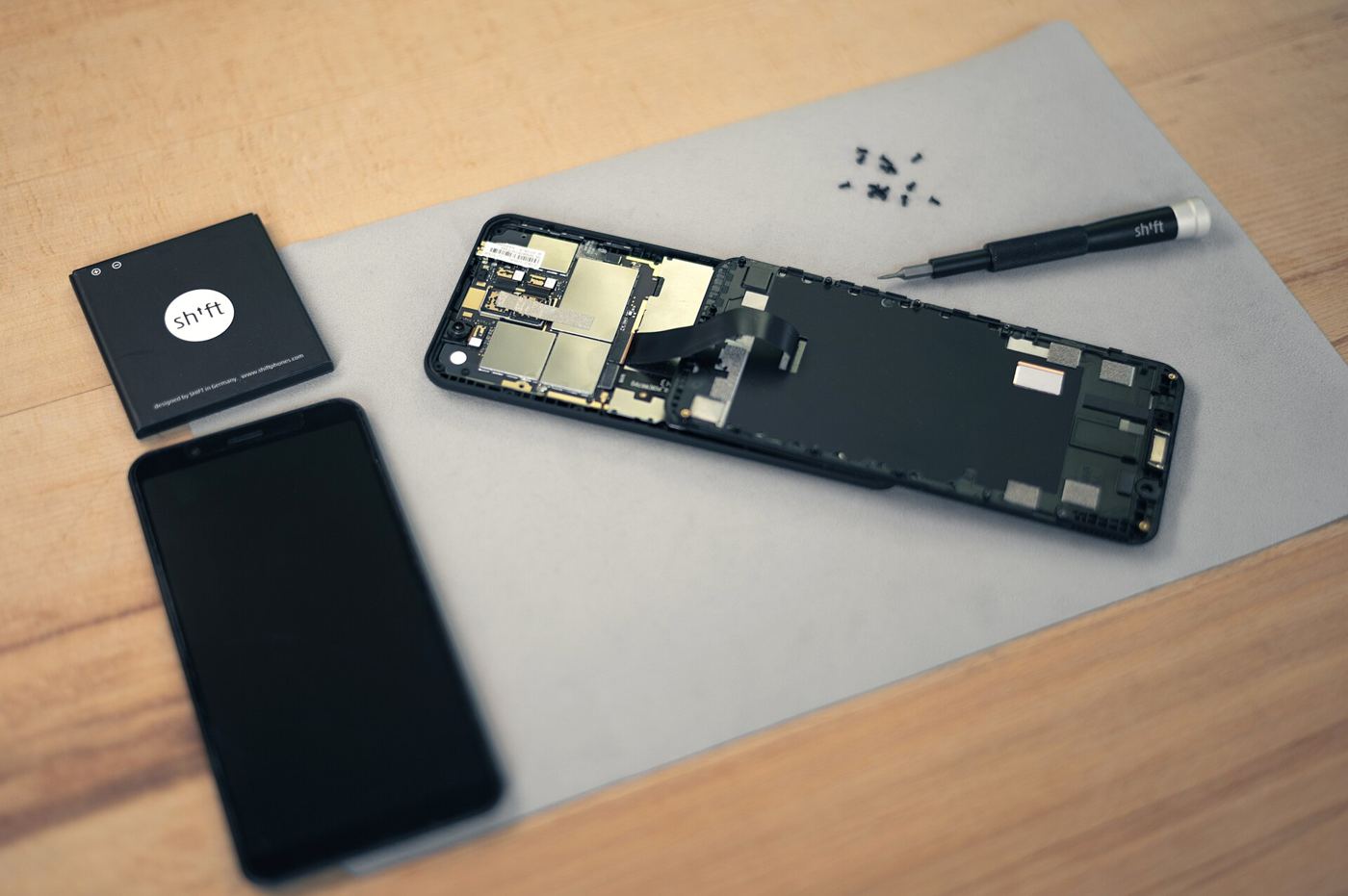

Few moments in phone ownership are worse than pressing the power button and getting nothing: no logo, no vibration, just a black screen. Owners call such a phone bricked, and they often assume it is finished. If the handset is built on a MediaTek chipset, though, there is a very good chance it can be revived at a desk with a cable, a computer and some patience.
Why MediaTek phones are hard to kill
MediaTek chipsets contain a tiny, permanent piece of boot code that runs before anything else, often called the preloader or boot ROM stage. Even when the main Android system is corrupted beyond repair, this first stage usually still works. Connect the phone to a PC in that state and, for a few seconds, it offers a low-level connection through which fresh firmware can be written. The phone is not dead; it is waiting to be talked to in the right language.
The driver is the key that fits
That conversation only happens if Windows has the correct drivers installed. A working MTK Driver installation gives the PC the VCOM port definitions it needs to catch the preloader as it appears. This is the step most rescue attempts get wrong: the flashing software may be perfect and the firmware genuine, but if the driver is missing, the port never shows up and the tool waits forever.
Timing matters too. The usual routine is to load the firmware in the flashing tool, press start, and only then connect the switched-off phone. Some models need a volume key held while the cable goes in, which keeps the preloader listening instead of timing out.
After the flash
A successful firmware write takes several minutes and must not be interrupted; a disturbed flash can leave the phone worse off than before. When it completes, the first boot is slow, sometimes ten minutes or more, while the system rebuilds itself. Data on the device is normally lost in this process, which is why technicians warn that unbricking is a rescue, not a recovery service. Step-by-step notes for common models are gathered at mtkdriver.org for anyone attempting this for the first time.
Three warnings before you flash
First, charge the phone as much as its condition allows, or keep it connected to power; a battery that dies mid-flash can complicate everything. Second, firmware must match the exact model and region variant. Files for a near-identical handset can leave radios dead or the device looping, so check the build number twice. Third, work on a copy of nothing: flashing erases, and no tool can restore photos that were never backed up.
It is also honest to note the limits. A phone with physical damage, a failed memory chip or a corrupted security partition may not respond to software rescue at all. But those cases are the minority. The majority of “dead” MediaTek phones are simply waiting for the right conversation with a computer, and the driver is what makes that conversation possible.
If the rescue succeeds, spend two extra minutes on prevention. Update the phone fully, check its storage health, and suggest the owner enable automatic cloud backup before they leave. A revived phone is a second chance; the goal is to make sure the next failure, whenever it comes, is an inconvenience rather than a loss.
The lesson is worth remembering before you write off a dead phone or pay for a replacement. With MediaTek hardware, the difference between a brick and a working handset is frequently nothing more than a driver, a cable and an hour of calm, methodical work.
Related reading: Ocean Currents Are Shifting, and Weather Will Follow